
AI virtual try-on, made for professional stylists.
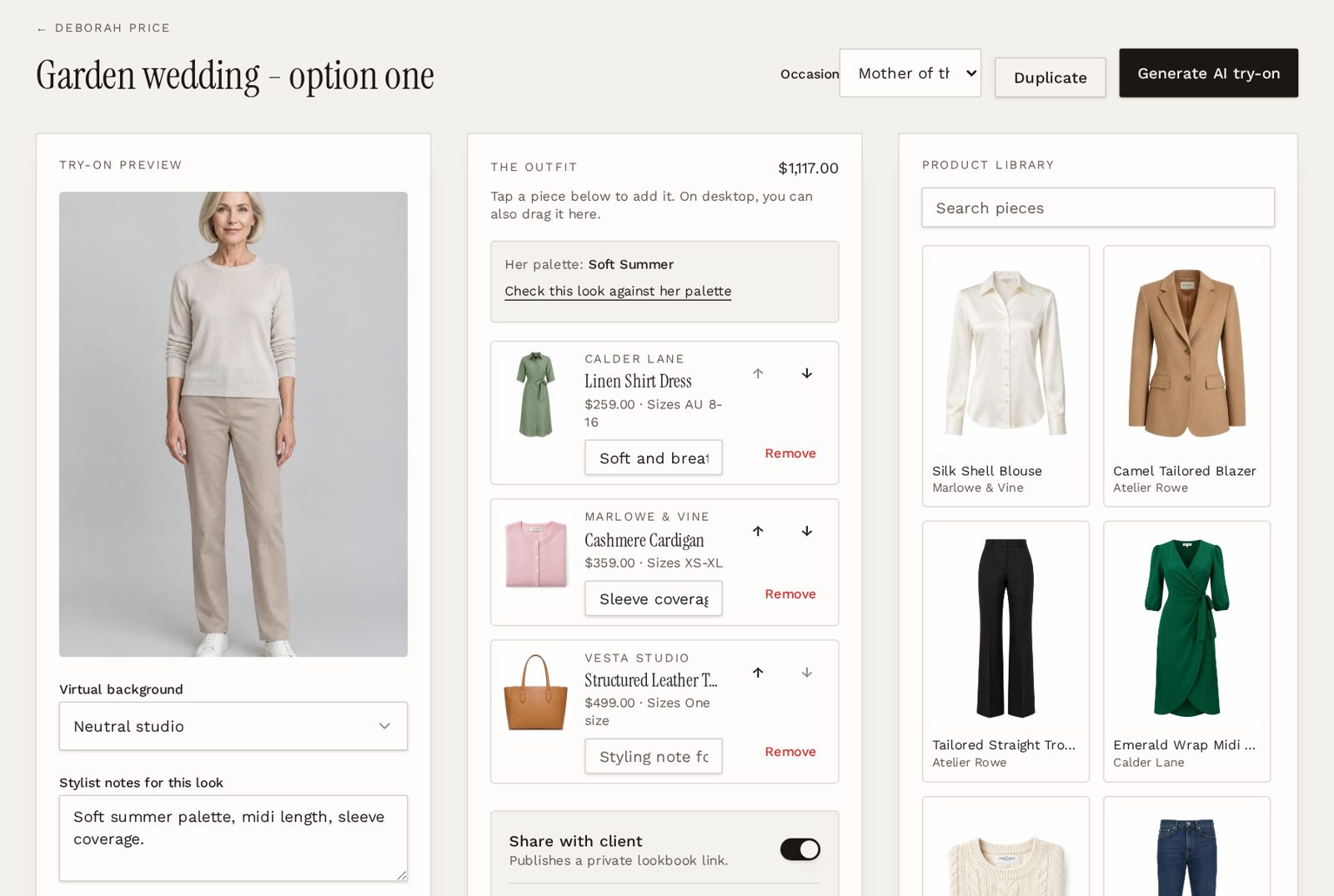
Most try-on tools are built for one shopper on one store. LookLayer puts try-on inside your styling work: pick pieces for a client, generate an image of them wearing the look, then share it in a private lookbook they can shop from.
Why stylists use try-on with clients
- Clients see pieces on their own photo, not on a model with a different body or colouring.
- Settle hesitation before a shopping trip, so in-store time goes on fit rather than persuasion.
- Present remote clients with options they can picture, between appointments.
- Swap a piece and generate again to compare two versions of the same outfit.
- Mix new products with pieces the client already owns from their digital wardrobe.
- Every result stays in the client's profile, next to their sizing and colour notes.
From client photo to shareable look
01
Add the client photo
Upload a full-length photo with the client's consent. It stays private to your workspace.
02
Build the outfit
Add pieces from your product library, a store link you've clipped, or the client's wardrobe.
03
Generate the try-on
LookLayer creates an image of the client wearing the outfit. Choose a virtual background if you like.
04
Share the look
Switch on sharing to send a private link with the image, the pieces and shop links.
A styling tool, not a store widget
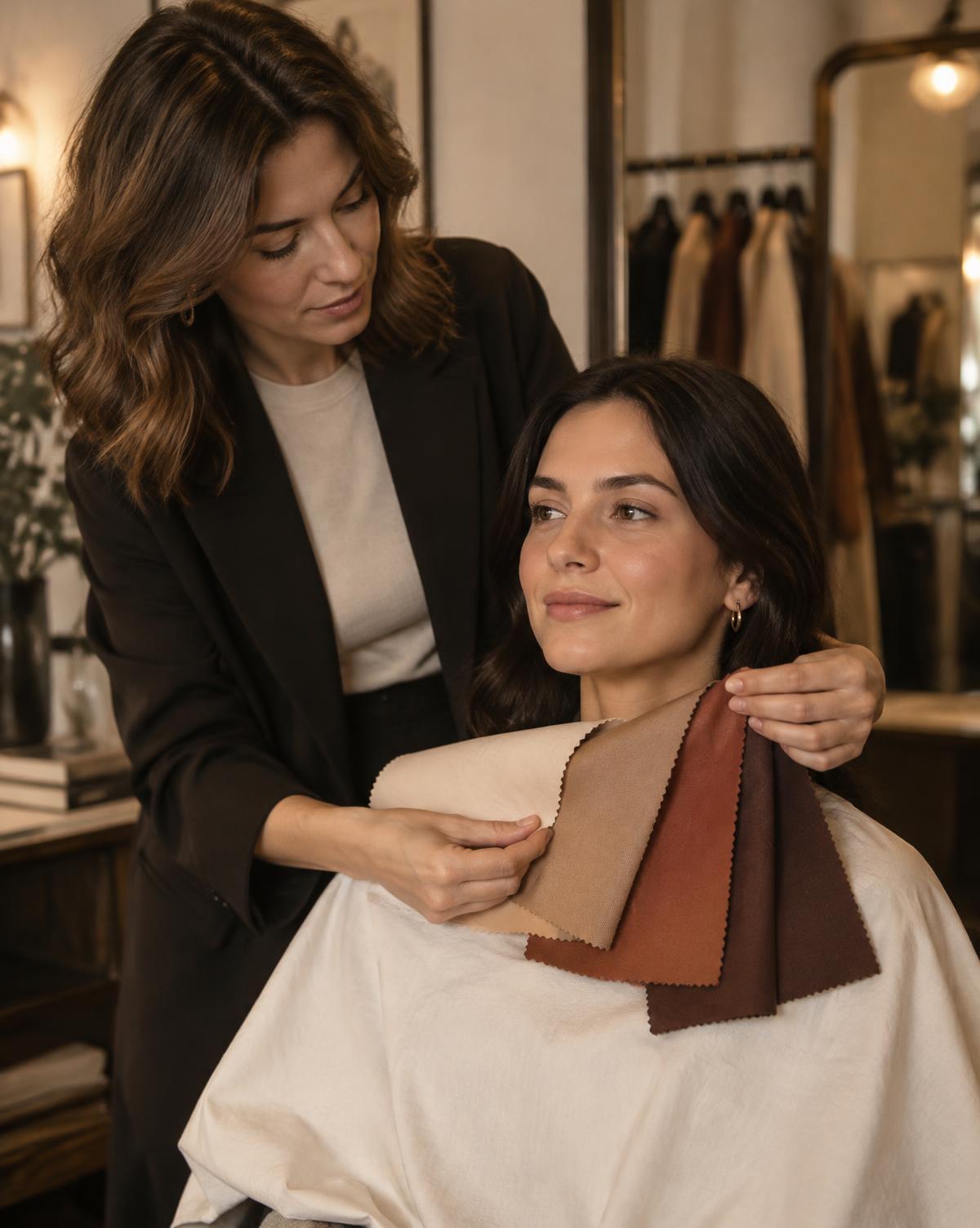
The look builder keeps the client's palette in view, so you can check an outfit against their colour season before you generate. Notes and occasion travel with the look.
Try-on images are AI visualisations to help a client picture an outfit. They're not a guarantee of exact fit, which is why they work best alongside your expertise.
Virtual try-on, answered
- Which plans include AI try-on?
- AI try-on is part of Professional (300 try-ons a month) and Studio (150 per stylist, pooled across the team). The 7-day free trial includes 5 try-ons so you can test it with a real client photo. Top-ups are available if you run out.
- Can I use products from any store?
- Yes. Add products to your library, import them, or clip them from a store's product page, then use them in a look. Your own affiliate links are kept on the shop buttons.
- Can a client's own clothes be included?
- Yes. Pieces in the client's digital wardrobe can be selected for try-on, so you can show new purchases with what they already own.
- How are client photos protected?
- Photos are stored privately for each client, with consent tracking and deletion controls. A look is only visible outside your studio when you switch on its private share link.
- Is this for shoppers or for stylists?
- LookLayer Studio is for personal stylists and styling teams. Fashion stores wanting a try-on button for their own shoppers can look at LookLayer Retail.
Let clients see it on themselves.
Start with a 7-day free trial including 5 AI try-ons. Professional includes 300 try-ons a month. See pricing for details.