
A wardrobe management app for stylists and their clients.
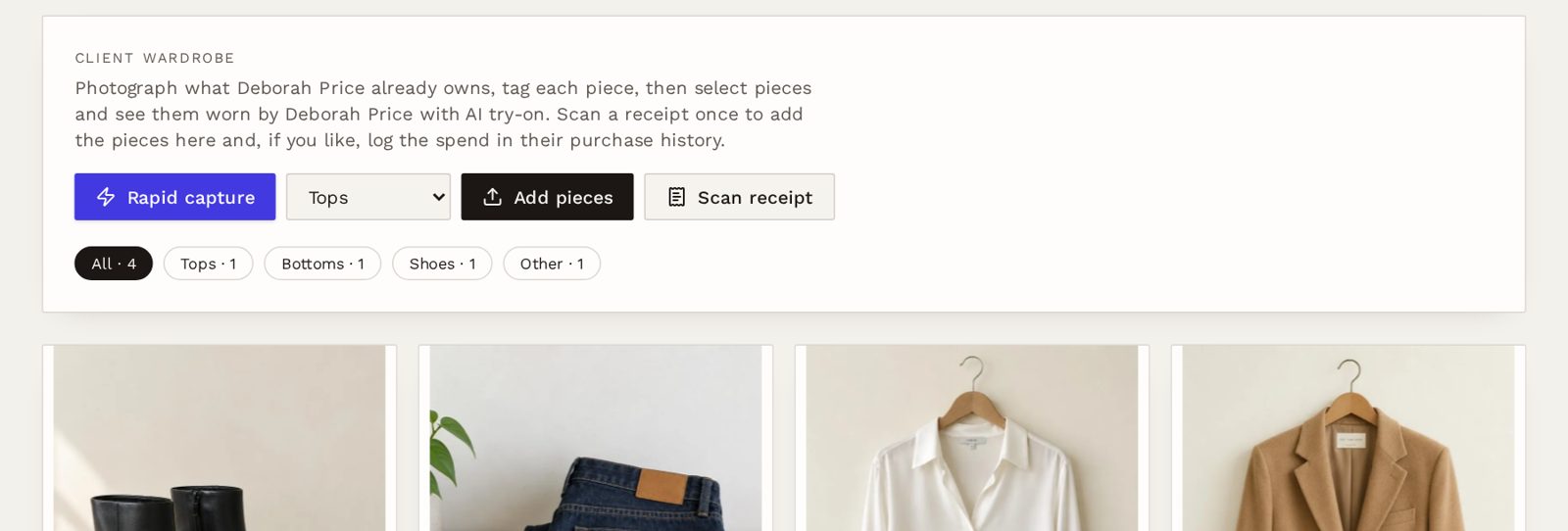
A wardrobe edit generates dozens of garments and decisions. LookLayer gives every client a digital wardrobe you can photograph in one go, sort afterwards, and style from later, alongside their profile, looks and purchases.
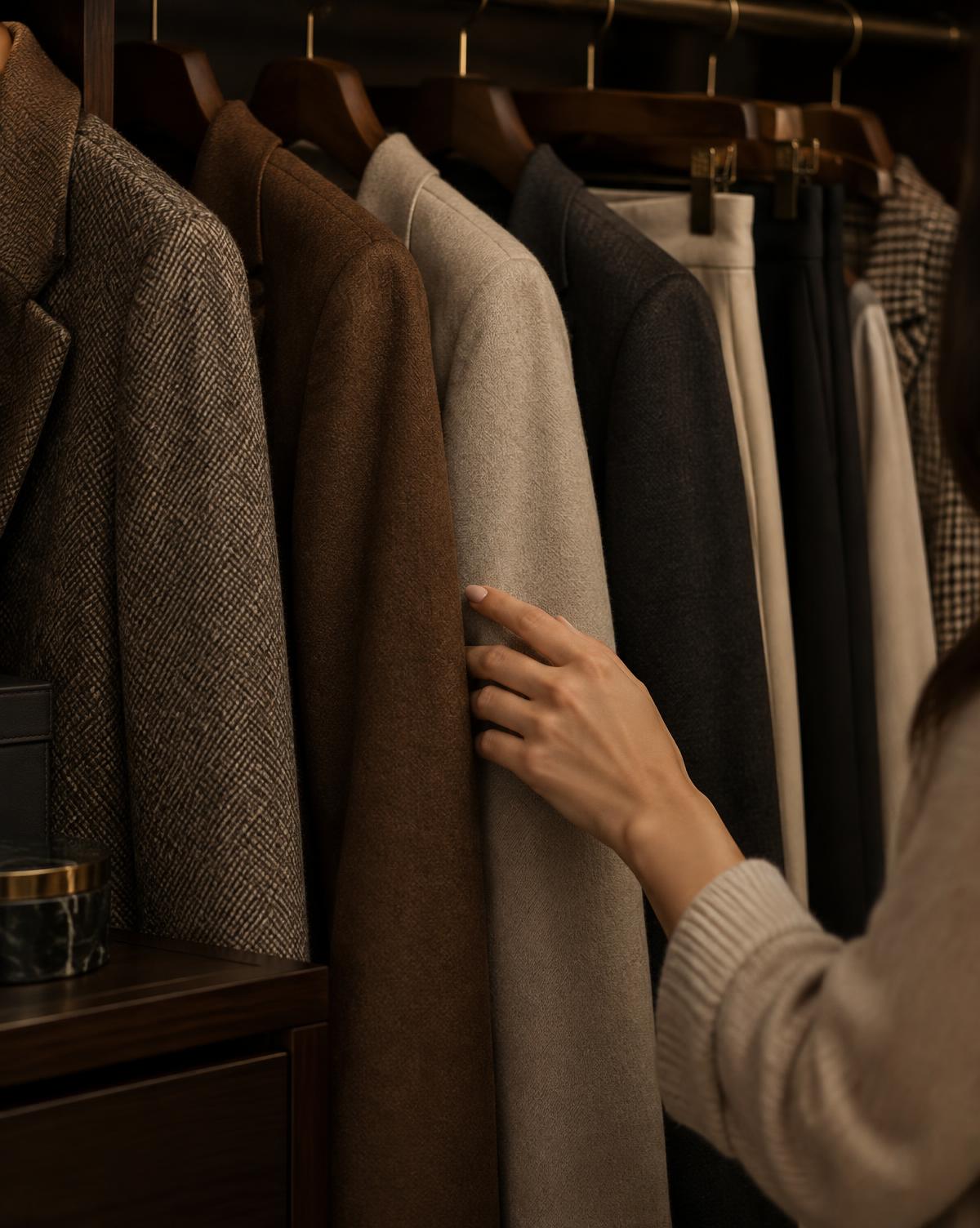
Made for in-person wardrobe edits
- Shoot a whole wardrobe without stopping to fill in details after every photo.
- Photos upload in the background, with a running count, so you can keep going.
- AI suggests a name, category, colour and brand for each piece. You approve or edit.
- Mark pieces Keep, Alter / repair or Donate / sell during review, not mid-shoot.
- Scan a receipt after a shopping trip to add the new pieces in one step.
- Select owned pieces for AI try-on, or mix them with new products in a look.
How Rapid Wardrobe Audit Mode works
01
Snap
Open Rapid capture on your phone and tap the shutter for each garment. Snap, snap, snap.
02
Queue
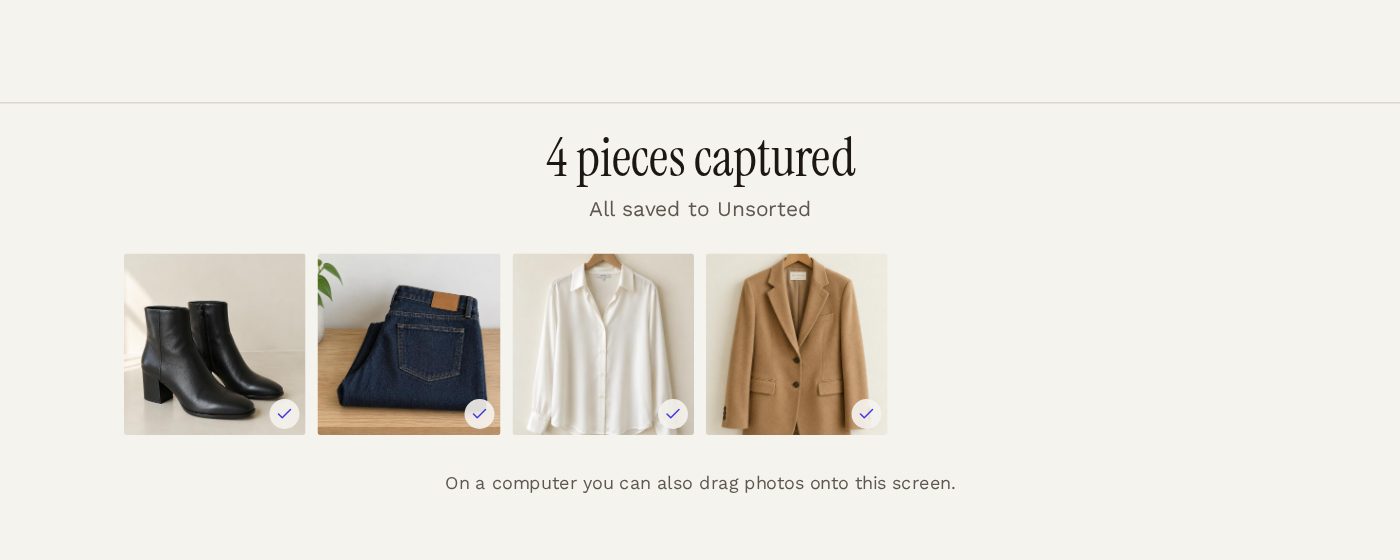
Every photo lands in an Unsorted queue, kept out of the wardrobe until you confirm it.
03
Tag
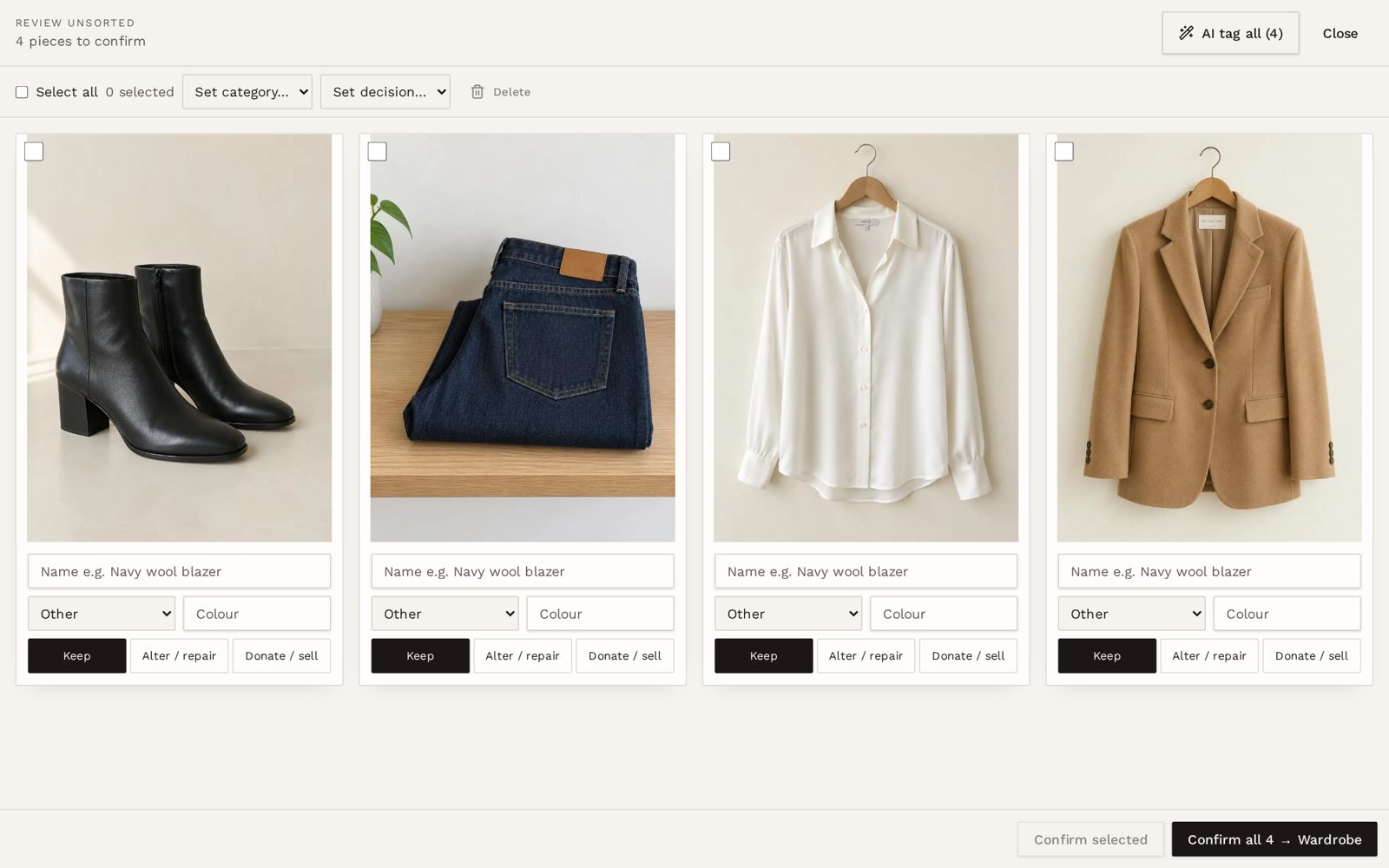
Run AI tag all, or tag by hand. Set categories and decisions for many pieces at once.
04
Confirm
Confirm pieces into the client's wardrobe, ready for styling and try-on.
Capture first, sort later
Rapid capture is a full-screen camera with one large button, designed for standing in a client's bedroom or walk-in. Failed uploads retry on their own, and you're warned before leaving while anything is still uploading. On a computer, drag photos onto the screen.
Review dozens of pieces quickly
On a phone, review one large card at a time. On a computer, use a grid with checkboxes to set a category or decision for many pieces and confirm them together. Bad shots can be deleted before they reach the wardrobe.
Wardrobe management, answered
- Is the wardrobe for the stylist or the client?
- It's a stylist tool. Each client's wardrobe sits in their private profile in your studio, alongside sizing, looks and purchase history.
- Does AI tagging cost anything?
- AI tagging, clean cut-outs and receipt scanning each use one credit from your AI allowance per piece or receipt. You'll see the cost before it runs, and you can always tag by hand instead.
- What's the difference between the wardrobe and recommendations?
- The wardrobe holds pieces the client owns. Products you suggest go to their Recommendations list, and only move to the wardrobe once a purchase is confirmed.
- Does it work on a phone?
- Yes. Rapid capture and review are designed for phones, with large buttons. You can add LookLayer to your home screen so it opens like an app.
- Which plans include the wardrobe?
- Client wardrobes are part of the studio workspace. AI features such as tagging, cut-outs and try-on need an AI-enabled plan or the trial allowance.
Bring the whole wardrobe home with you.
Try Rapid capture on a real wardrobe edit with the 7-day free trial, or book a demo and we'll walk you through it.